
How to Convert Photo to Ghibli Style Art AI
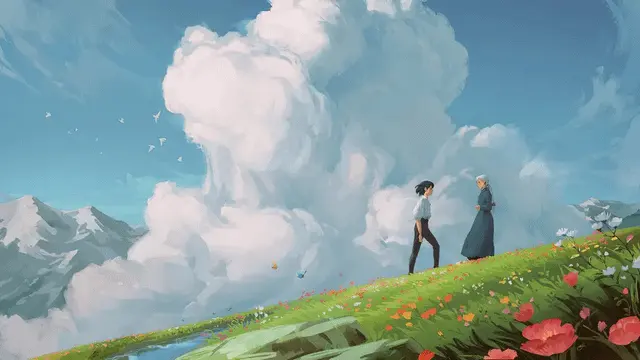
If you’ve ever watched a Studio Ghibli film and caught yourself thinking, “I wish my everyday life looked like this,” you’re not alone. It’s the soft lighting, painterly backgrounds, gentle color palettes, and that storybook calm that make a random street corner feel cinematic.
That’s the exact feeling people are chasing with Ghibli Art AI—tools that can turn a photo into a Ghibli-inspired illustration in seconds. But “how it works” matters, especially if you care about privacy, ethics, and whether the results are actually usable (not just a novelty filter).
This guide breaks down what Ghibli Art AI is, what’s happening under the hood, where it performs best, where it tends to break, and how to get results that look intentional—not accidental.
Most AI workflows build on the core principles of Ghibli art, integrating palette logic and atmospheric depth into style transfer models.
What Is Ghibli Art AI?
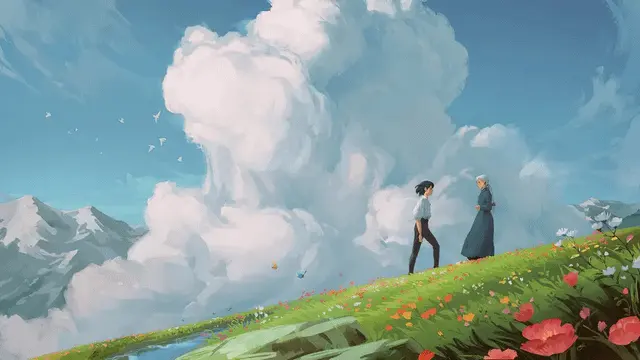
Ghibli Art AI is a web-based AI art generator that transforms user photos into Ghibli-inspired illustrations through advanced image style conversion models. The platform emphasizes soft lighting, painterly textures, and animated film-style color design, allowing users to recreate a dreamy illustrated look from ordinary images in seconds.
Built for creators, designers, and everyday users, the tool removes the need for drawing skills or complex software. Users simply upload an image and receive a stylized result optimized for avatars, social media posts, creative experiments, and personal artwork. The interface is lightweight and user-friendly, enabling fast generation directly in the browser.
Ghibli Art AI focuses on accessibility, visual consistency, and output clarity while maintaining a simple workflow. It serves as a creative utility for users exploring AI-assisted art styles and animated illustration aesthetics.
Think of it like this:
Text-to-image: “Create a girl on a train in a cozy animated style.” (the model invents everything)
Image-to-image stylization: “Here’s my train photo—keep it recognizable, but redraw it in a Ghibli-inspired mood.”
Why “Ghibli Art AI” Is Trending Now
A few years ago, this look required either illustration skills or paying an artist. Now it’s accessible to:
Creators building consistent visual branding
Small brands needing quick social assets
Every day, users make avatars, wallpapers, and gifts
But there’s also a real-world reason this matters: style imitation is controversial. “Ghibli-style” AI imagery has repeatedly sparked debate around originality, artist rights, and how AI tools are trained and moderated.
How Does Ghibli-Style Photo Conversion Work?
1) Neural style transfer (the classic method)
This approach became famous after research showing you can separate an image into:
Content: shapes/layout (the “what”)
Style: textures/colors/brush patterns (the “how it looks”)
Then you recombine them so the output keeps your photo’s structure while borrowing an art style. The core idea was popularized by Gatys et al.’s work on neural style transfer.
Where it struggles: faces, clean linework, and complex scenes can get “mushy” or artifact-heavy—especially compared to modern methods.
2) Modern diffusion-based image-to-image stylization (common today)
Most high-quality “photo-to-anime” conversions now look closer to image-to-image generation using modern generative models. The workflow typically looks like:
You upload a photo
The system encodes its structure (so it “understands” composition)
A guided generation process re-renders the scene with a chosen look
You get a more coherent result than old-school filters
This is why newer tools can produce outputs that feel more like an “animated film still” rather than a texture overlay.
How to Convert a Photo Into Ghibli-Inspired Artwork (Best Workflow)
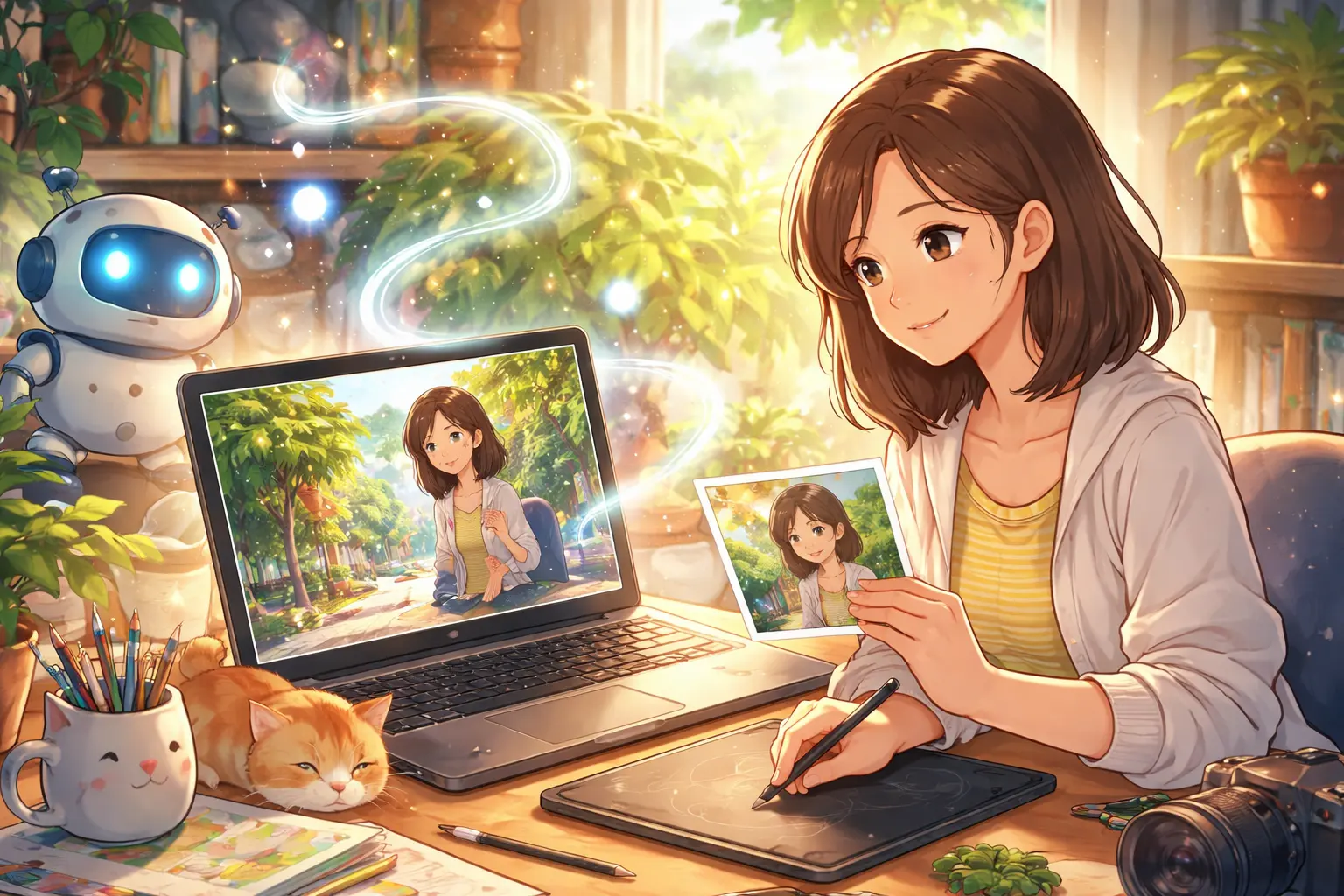
If you want results that look designed (not random), use this workflow.
Step 1: Choose the right mode
Most tools offer something like:
Default Ghibli Style (fast, simple)
Custom Style (supports multiple images)
Use Custom when your first output is “close but not quite.”
Step 2: Upload the right kind of photo
Best inputs:
Soft natural light (window light / overcast outdoors)
Clear subject separation (subject stands out)
Background that’s not cluttered
Avoid:
Harsh flash
Heavy beauty filters
Busy backgrounds full of small objects (models often “melt” these)
Step 3: Use a prompt that controls what not to change
Typing only “Ghibli style” is vague. Strong prompts do two things:
Describe lighting/mood
Add preserve constraints to reduce identity drift
Prompt template (copy/paste):
“Ghibli-inspired illustration, soft warm lighting, gentle painterly textures, cinematic color grading, cozy atmosphere, preserve facial features and expression, preserve composition, no extra objects, no text, no watermark.”
For travel photos:
“Ghibli-inspired background painting, soft sunlight, atmospheric perspective, detailed environment, preserve location layout, keep subject proportions, no distortion, no text.”
Step 4: Generate multiple variations (professional shortcut)
Even strong models sometimes miss:
eyes alignment
hands
background geometry
Generate 4–8 variations, then pick the best using a quick checklist:
Eyes aligned and natural
Hands not distorted (or cropped/hidden)
Background supports the subject (not warping)
Warm palette stays consistent
Step 5: Refine with constraints (not longer prompts)
If you need a second pass, don’t just add more adjectives. Tighten constraints:
“no extra objects”
“preserve composition”
“same identity”
“no text/no watermark”
If your tool supports multiple reference images, use them to reduce randomness (e.g., 2–3 photos of the same person to help consistency)
Best Use Cases (Where It Looks the Most Natural)
Profile pictures that still look like you
Great when facial proportions remain stable, and lighting is soft.
Story-style social content
Works especially well for “day in my life” aesthetics, carousel covers, and mood posts.
Gifts, prints, wallpapers
Pick the cleanest face + least warped background variation. (If you plan to print, use the highest resolution option available.)
Moodboarding / creative brainstorming
This is the underrated one: interiors, cafés, travel scenes, pets—excellent for exploring mood and composition.
Pricing
If you’re referencing ghibliart.ai specifically, our pricing page describes a credit system and notes an example where each image typically uses ~5 credits, with plan examples like 300 credits ≈ up to 60 images and 1500 credits ≈ up to 300 images.

Pros and Cons (Honest, Real-World View)
Pros
Browser-based workflow (no heavy setup)
Fast photo-to-art results
Can achieve warm, cinematic outputs with good inputs
Cons
Inconsistent outputs on faces/hands or cluttered scenes
Results may not feel “unique” if many users use similar prompts
“Ghibli-style” mimicry can raise originality and rights questions depending on use (especially commercial)
Safety, Privacy, and Ethics (What You Should Know)
1) Privacy: assume uploads are sensitive
Before uploading personal photos, check:
whether images are public/private by default
retention period (how long they store your images)
whether your uploads may be used to improve models
For ghibliart.ai’s pricing/FAQ, they state images generated with a subscription are private and stored in your account.
(Still: read the current Terms/Privacy policy before uploading anything sensitive.)
2) Copyright and “style imitation.”
There’s an ongoing debate about whether generating “Ghibli-style” images crosses a line—ethically and legally—especially when it becomes mass content or commercial output. This has been a visible public controversy across platforms and news coverage.
Practical rule of thumb (safer):
Use your own photos (portraits, pets, places)
Avoid generating recognizable copyrighted characters
If monetizing, aim for more original direction than “exact studio mimicry.”
FAQs
Is Ghibli Art AI the same as Studio Ghibli?
No. “Ghibli-inspired” tools aim to recreate a similar mood and aesthetic, but they are not official Studio Ghibli products.
Why do faces and hands sometimes look weird?
Hands and facial symmetry are common failure points in generative models—especially when the input is low light, cluttered, or heavily filtered. Generating multiple variations is the fastest fix.
Can I use Ghibli-style AI images commercially?
It depends on the platform’s terms and your use case. Some sites explicitly discuss commercial usage in their plan FAQs, but style imitation can still be controversial. Always read the tool’s Terms and avoid copyrighted characters if you plan to monetize.
What’s the best prompt for Ghibli-inspired results?
Use a prompt that specifies lighting + textures + “preserve” constraints. The templates above are a strong starting point.