
How to Turn Your Pet Photo into a Ghibli Animal: A Step-by-Step Guide
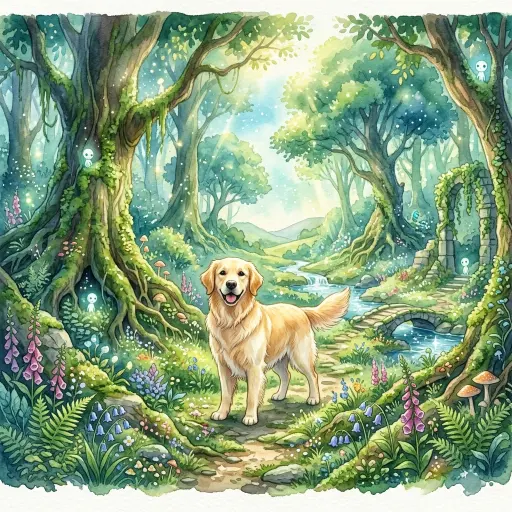
We’ve all seen them scrolling through our feeds: ordinary photos of dogs and cats magically transformed into whimsical, painted characters that look like they jumped straight out of a Hayao Miyazaki film. If you’ve ever wondered how people turn their pets into Studio Ghibli art without spending hours painting it themselves, you’re in the right place.
This guide breaks down exactly how you can use modern AI tools to achieve this iconic look. Whether you want a cute avatar for Instagram, a custom gift for a friend, or just want to see what your golden retriever looks like as an anime sidekick, we will show you the exact steps, the best tools to use, and the common traps you need to avoid.
Why the Ghibli Aesthetic is Perfect for Pets
The Studio Ghibli art style is universally loved for its soft, watercolor-like backgrounds, vibrant yet natural color palettes, and expressive character designs. It strips away the hyper-realistic details of a standard photograph and replaces them with a nostalgic, hand-painted warmth.
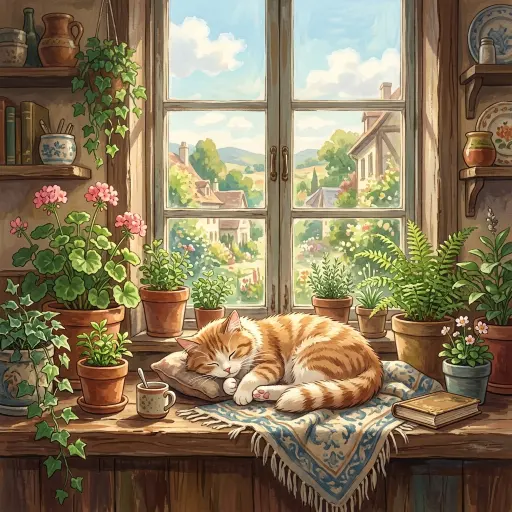
When applied to pets, this style emphasizes their personality. A regular photo of your cat sitting on a windowsill becomes a magical scene of a feline spirit guardian. It’s no wonder this aesthetic is dominating social media.
Best Methods to Create Your Ghibli Pet Portrait
You generally have three paths to get that authentic Ghibli look. Let’s break down the pros and cons of each so you can choose the best fit for your needs and budget.
Method 1: Dedicated AI Art Generators (Fastest)
The easiest way to get results is by using platforms specifically built for style transfer. These tools have specialized “anime” or “Ghibli” filters pre-loaded.
· How it works: You upload your photo, click a style preset, and wait a few seconds.
· Pros: Instant gratification. No complex prompting required.
· Cons: Less control over the final output. The AI might misinterpret complex backgrounds or unusual pet poses.
Pro Tip: Ensure your base photo is well-lit and your pet’s face is clearly visible. The AI struggles with dark or blurry images, often resulting in muddy watercolor textures instead of crisp animation lines.
If you want to understand the underlying mechanics of these platforms before diving in, read our deep dive on how ghibli art ai works.
Method 2: Advanced Prompt-Based AI (Highest Control)
If you want more creative control, tools like Midjourney or DALL-E 3 are the way to go. You’ll need to write a descriptive prompt and upload your photo as a reference.
1. Upload your reference photo: Give the AI a clear starting point.
2. Craft your prompt: Use specific keywords like Studio Ghibli style, anime key visual, soft watercolor background, and vibrant lighting.
3. Iterate: The first generation is rarely perfect. Tweak your prompt to adjust the stylization level.
This method requires a steeper learning curve but yields the most stunning, customized results. For a comprehensive suite of tools tailored for this, check out ghibli art ai, which simplifies the process of generating high-quality anime-style visuals.
Method 3: Hire a Human Artist (Most Authentic)
If you want an heirloom-quality piece and are willing to invest, hiring a digital artist is the ultimate option. Platforms like Reddit (r/HungryArtists) or Etsy are packed with talented illustrators specializing in this specific niche.
· Pros: 100% custom. You can request specific backgrounds, poses, and stylistic nuances.
· Cons: Expensive and takes days or weeks to deliver.
Watch Out for Scammy Subscriptions
While AI tools are incredibly powerful, the industry is unfortunately plagued by shady billing practices. Based on community feedback from YouTube and Reddit, many users complain about mobile apps that offer “free Ghibli filters” but hide recurring weekly charges.
As one user noted on a popular tutorial video, “Not possible to cancel subscription, the unsubscribe link gives 404 and they try to scam you every month.”
Always use reputable web-based platforms, and if you are using a mobile app, manage your subscriptions directly through the Apple App Store or Google Play Store to avoid getting locked into a dark pattern billing trap.
Step-by-Step Workflow for AI Generation
Ready to try it yourself? Follow this simple workflow to get the best results using a standard AI generator:
1. Select the right base photo: Choose an image with a simple, uncluttered background.
2. Apply the style: Use your chosen tool’s Ghibli or Anime preset.
3. Adjust the stylization strength: Many tools offer a slider. Keep it around 60-70%. Too high, and the AI will completely change your pet’s breed; too low, and it just looks like a cheap Snapchat filter.
4. Refine the background: If the tool allows, use text prompts to change the background to something magical, like a lush forest or a quaint bakery.
5. Upscale and export: Once you have the perfect image, use an AI upscaler to increase the resolution before printing or sharing.
Final Thoughts
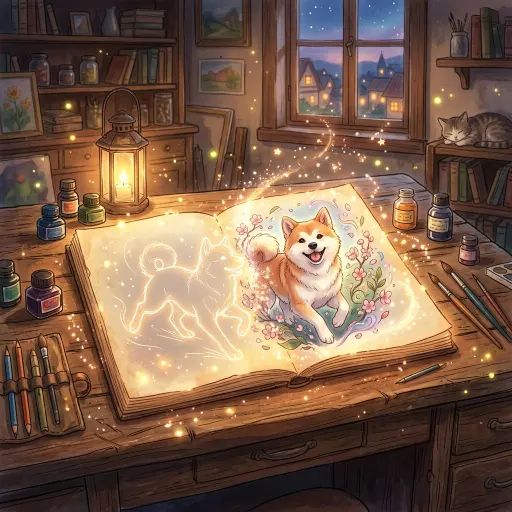
Turning your pet into a Studio Ghibli character is easier than ever thanks to modern AI tools. Whether you opt for a quick one-click generator or spend time crafting the perfect prompt in Midjourney, the key is starting with a great photo and experimenting with different stylization levels. Just remember to read the fine print on any app you download, and you’ll be well on your way to creating a magical portrait of your furry friend.
Frequently Asked Questions (FAQ)
· Can I do this for free? Yes, many AI tools offer free daily credits or trials, though high-resolution downloads may require a paid tier.
· Does it work with any pet? Most AIs are heavily trained on dogs and cats, but they can usually handle birds, rabbits, and horses with decent accuracy. Reptiles might require more advanced prompting.
· Why does my pet’s face look distorted? This usually happens if the original photo is blurry or if the stylization strength is set too high. Try lowering the “creativity” slider.
· Can I sell the AI art I make of my pet? The copyright rules around AI-generated art are complex. Generally, you can sell them, but you may not be able to formally copyright the image depending on your jurisdiction.
· What is the best prompt for Midjourney? Try: “A photo of a [pet breed], transformed into a Studio Ghibli style anime character, hand-painted background, lush green forest, soft cinematic lighting, 8k resolution –v 6.0”